Define the setting
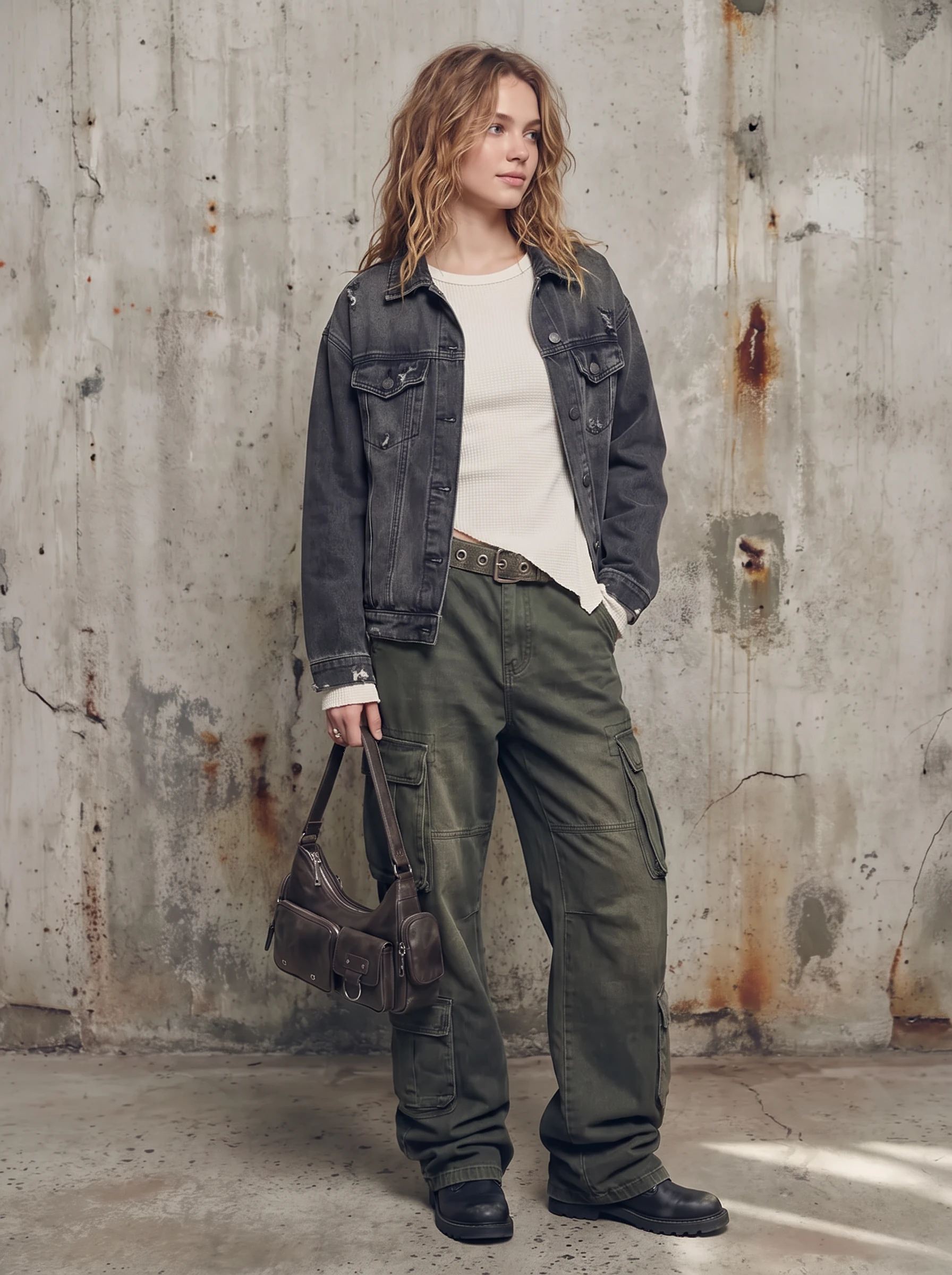
Choose studio, architectural, or lifestyle references. Set the palette and leave space for product detail and campaign copy.
Explore background directions for AI fashion images, from a clean studio to a distinctive brand setting. Plan light, perspective, and color together so the product belongs in the scene.
Discuss your image requirements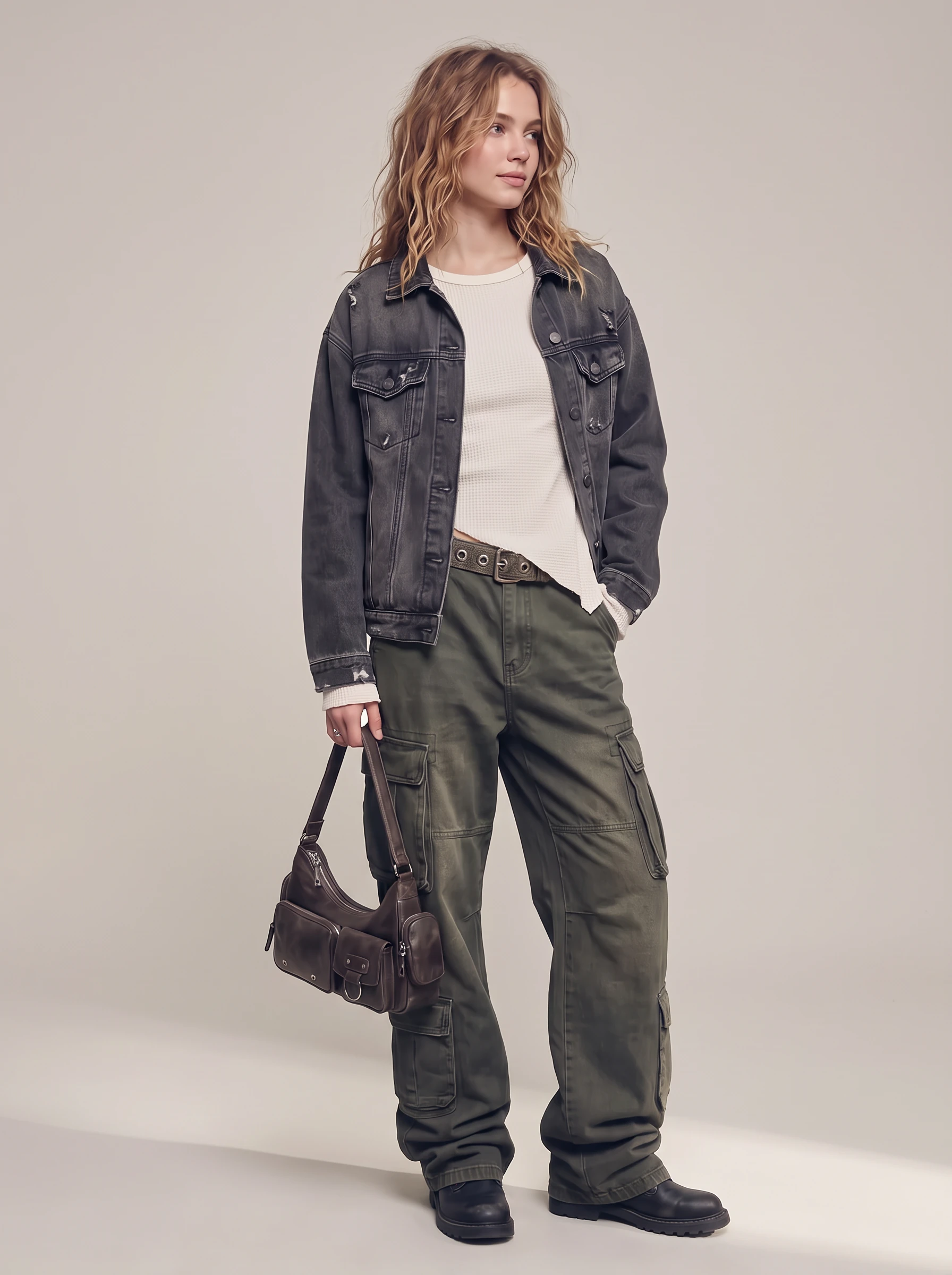 05 / BACKGROUND & LIGHT
From source image to a clear direction and review criteria.
Choose studio, architectural, or lifestyle references. Set the palette and leave space for product detail and campaign copy.
Describe light direction, shadow softness, camera height, and floor contact to connect the model with the setting.
Plan to check edges, shadows, scale, and color across images. Record scene rules to carry into each new view.
THE IMAGE REVIEW CHECKLIST
Define studio or location references, palette, composition, and space for campaign copy.
Match light direction, shadow softness, scale, and floor contact to the subject.
Record background rules and review edges, color, and shadows across each product view.
Start with model references, a brand mood, and the channels where the images will appear. Bring these together with your product details in a clear project inquiry.
Use the images to compare model presence, styling, light, and composition, then identify the details that suit your collection.
Use a clear image of the actual product. Note the details to preserve, the changes you want, and the brand references that should guide the result.